Best tablets for seniors
The right tablet is the one whose support calls stop after the first week.
By Selena H. · Last checked October 13, 2026 · How we keep pages current

The specification that matters on a senior's tablet is not the processor. It is how many phone calls you will field in month two. A tablet that someone else in the family already uses, and can therefore talk through on the phone, beats a technically better tablet nobody in the house understands.
That single idea decides most of this page. An iPad is the easiest device to support because somebody in almost every family has one. A Fire tablet is the cheapest and perfectly good for photos, video calls and reading, as long as you accept Amazon's own app store. A Galaxy Tab is the middle path for an Android household.
Whatever you choose, do three things before you hand it over: turn the text size up, turn on the larger icons setting, and put the four apps that will actually be used on the first screen with everything else buried. That twenty minutes matters more than the $200 difference between these devices.
Some links on this page go to Amazon. If you buy something, we may earn a small commission at no extra cost to you — it never changes which products we pick or the order they appear in. Full disclosure.
Quick picks
Ranked for how little strength, eyesight or patience they need — not for how much they cost.
| # | Product | Best for | Score | Price |
|---|---|---|---|---|
| 1 | Apple iPad (A16, 11-inch)The one most families can already help with over the phone, with the best accessibility settings in the business. | Easiest to support over years | 8.8 | Check price on Amazon #ad Prices change daily, so we send you to check today's. How we earn |
| 2 | Amazon Fire HD 10A big, bright screen for a fraction of the price, with a Show Mode that turns it into a photo frame. | Photos, video calls and reading on a budget | 8.3 | Check price on Amazon #ad Prices change daily, so we send you to check today's. How we earn |
| 3 | Samsung Galaxy Tab A9+Full Google Play, Easy Mode for larger icons, and expandable storage. | Android households | 8.3 | Check price on Amazon #ad Prices change daily, so we send you to check today's. How we earn |
| 4 | Amazon Fire Max 11The larger, sharper Fire — worth it when eyesight is the deciding factor. | A bigger screen without iPad money | 8.2 | Check price on Amazon #ad Prices change daily, so we send you to check today's. How we earn |
Tap any row to jump to the full write-up. The price button goes to Amazon.
Pick by what’s hard
Most lists sort by price. That is not how this decision actually gets made, so here it is sorted by the thing that is getting in the way.
- Nobody nearby to give tech help
- Apple iPad (A16, 11-inch) — pick the platform the family already knows. Being able to say "press the blue square at the bottom" and be right is worth more than any feature.
- Eyesight is the main problem
- Amazon Fire Max 11 — buy screen size, then turn the text up. A larger, cheaper screen beats a smaller, sharper one for reading.
- Budget is tight
- Amazon Fire HD 10 — a Fire HD 10 does photos, calls and reading perfectly well. Check your must-have apps are in Amazon's store first.
- Keeps ending up in the wrong app
- Apple iPad (A16, 11-inch) — turn on Guided Access, which locks the tablet to one app until a passcode is entered. Samsung and Fire tablets have similar modes but Apple's is the most reliable.
How we picked
We don’t run a product lab. Every pick here is chosen by reading the things that actually tell you whether something works for weak hands, poor eyesight or shaky fingers: the manufacturer’s own specifications, the retailer listing, the measurements and weights, and what owners report in their reviews — especially the one-star ones. We read the complaints before the praise.
Prices change constantly, so we send you to Amazon to see today’s price rather than printing a number that goes stale. More about how we choose.
The picks in full
1. Best for easiest to support over years
Apple iPad (A16, 11-inch)
Apple · 8.8/10 on our rubric
#ad Prices change daily, so we send you to check today's. How we earn
The one most families can already help with over the phone, with the best accessibility settings in the business.
Apple's accessibility layer is the real argument here: text size, bold text, zoom, spoken screen and a reduced-motion setting that all apply system-wide rather than app by app. Guided Access, which locks the tablet to a single app until a passcode is entered, is the feature families end up using most and almost nobody knows about.
The second argument is support life. iPads receive updates for many years, and FaceTime is on every other Apple device in the family, which removes the "what app do we use?" problem entirely.
Good
- Best system-wide accessibility settings of any tablet
- Guided Access locks it to one app
- Long software support and easy family help
Watch out for
- The most expensive option here by some distance
- Accessories add up quickly — a stand and a case are not optional in practice
| Screen | 11-inch class |
|---|---|
| Video calling | FaceTime, plus Zoom and others |
| Key feature | Guided Access single-app lock |
| Support life | Long, by tablet standards |
How it scores
- Setup burden9.0
- Accessibility9.6
- Family support9.4
- Value7.0
2. Best for photos, video calls and reading on a budget
Amazon Fire HD 10
Amazon · 8.3/10 on our rubric
#ad Prices change daily, so we send you to check today's. How we earn
A big, bright screen for a fraction of the price, with a Show Mode that turns it into a photo frame.
For video calls, photographs, audiobooks and the news, a Fire HD 10 does everything an expensive tablet does. The screen is large and bright, the battery lasts, and it drops into a dock to become a kitchen-counter display.
The compromise is the app store. Amazon's own store carries fewer apps than Google's, so check that the specific apps your family uses — the hospital portal, a particular messaging app — are available before you buy. For most households, the answer is fine.
Good
- Large bright screen at a low price
- Show Mode turns it into a photo display
- Good battery life
Watch out for
- Amazon's app store is smaller than Google Play — check your must-have apps first
- Lock-screen advertisements unless you pay to remove them
| Screen | 10-inch class |
|---|---|
| App store | Amazon Appstore |
| Extra | Show Mode with a dock |
| Best for | Photos, calls, reading, streaming |
How it scores
- Setup burden8.0
- Accessibility7.6
- Family support8.0
- Value9.4
3. Best for android households
Samsung Galaxy Tab A9+
Samsung · 8.3/10 on our rubric
#ad Prices change daily, so we send you to check today's. How we earn
Full Google Play, Easy Mode for larger icons, and expandable storage.
If the family uses Android phones, this is the tablet that will feel familiar when you are talking someone through a problem. It runs the full Google Play store, so whatever app the family already uses is available.
Samsung's Easy Mode is the setting to switch on immediately: bigger icons, bigger text, simpler home screen. It gets you most of the way to a senior-friendly tablet in one tap.
Good
- Full Google Play store
- Easy Mode enlarges icons and text in one setting
- MicroSD card slot for photos
Watch out for
- Software support is shorter than an iPad's
- Samsung's own app layer adds some duplication
| Screen | 11-inch class |
|---|---|
| App store | Google Play |
| Key feature | Easy Mode |
| Storage | Expandable via microSD |
How it scores
- Setup burden7.8
- Accessibility8.4
- Family support8.2
- Value8.6
4. Best for a bigger screen without ipad money
Amazon Fire Max 11
Amazon · 8.2/10 on our rubric
#ad Prices change daily, so we send you to check today's. How we earn
The larger, sharper Fire — worth it when eyesight is the deciding factor.
When low vision is the main issue, screen size is not a luxury. The Max 11 gives a noticeably larger canvas than the HD 10 for text, video calls and photographs, while staying well below the price of an iPad.
Everything said about the Fire app store applies here as well. Check your essential apps first; if they are there, this is a lot of screen for the money.
Good
- Large, sharp screen for the price
- Good for video calls and reading
- Solid battery life
Watch out for
- Amazon Appstore limitations again
- Heavier than the HD 10 to hold for long
| Screen | 11-inch class, higher resolution |
|---|---|
| App store | Amazon Appstore |
| Best for | Low vision, video calls |
| Weight | Heavier than the HD 10 |
How it scores
- Setup burden7.8
- Accessibility8.2
- Family support7.8
- Value8.8
The subscription tablet built for seniors
GrandPad is a tablet sold with its own monthly service: a stripped-back interface with large buttons, a managed contact list, no app store to get lost in, and a support line that family do not have to be. It is sold through GrandPad and partners rather than being a product we can link to as a pick, and the service fee is a real ongoing cost.
It is the right answer for one specific situation: a person who has never used a tablet, with no family member nearby to help, where the alternative is the tablet sitting in a drawer. For everyone else, one of the picks above plus twenty minutes of setup costs far less over two years.
Set it up like this before handing it over
- Turn text size up two or three steps and enable bold text.
- Put only the apps that will genuinely be used on the first screen. Move everything else into a folder on the second.
- Set the screen to stay on longer than the default, so it does not lock mid-video-call.
- Turn off every notification except calls and messages from family.
- Add the Wi-Fi password to the household password list — it will be needed again.
- On an iPad, turn on Guided Access; on Samsung, Easy Mode; on Fire, set up a simplified profile.
Questions people ask
▸What is the best tablet for an older adult?
The one the family can support. An iPad is easiest for most households because someone nearby already owns one. A Fire HD 10 is the best value if photos, video calls and reading are the whole job.
▸Is an iPad or a Fire tablet better for seniors?
An iPad has better accessibility settings and longer support; a Fire tablet costs far less and does the common tasks well. Choose the iPad if nobody nearby uses Android, and the Fire if budget matters more than app choice.
▸Do tablets need Wi-Fi?
Yes, unless you buy a cellular model and pay for a data plan. In a home with no broadband, a cellular tablet or a mobile hotspot is required — check this before buying, because it is the most common post-purchase surprise.
▸How do you stop a tablet getting into the wrong app?
Use the built-in single-app lock: Guided Access on iPad, Easy Mode plus a restricted home screen on Samsung, or a child profile on a Fire tablet. All three stop accidental wandering between apps.
Sources
Read next
Best for video calls
Best tablets and devices for video calling
Devices ranked by how easy it is to answer a call, not by camera resolution.
Read the guide →
Best for memory loss
Best tablets for someone living with dementia
Locked-down tablets and displays that keep working as memory changes.
Read the guide →
Head to head
GrandPad vs iPad: which suits an older adult better?
The head-to-head: subscription simplicity versus a one-off purchase you set up yourself.
Read the guide →

Best photo frame
Best digital photo frames for grandparents
Wi-Fi frames ranked by how little the recipient has to do — and which ones hide a subscription.
Read the guide →
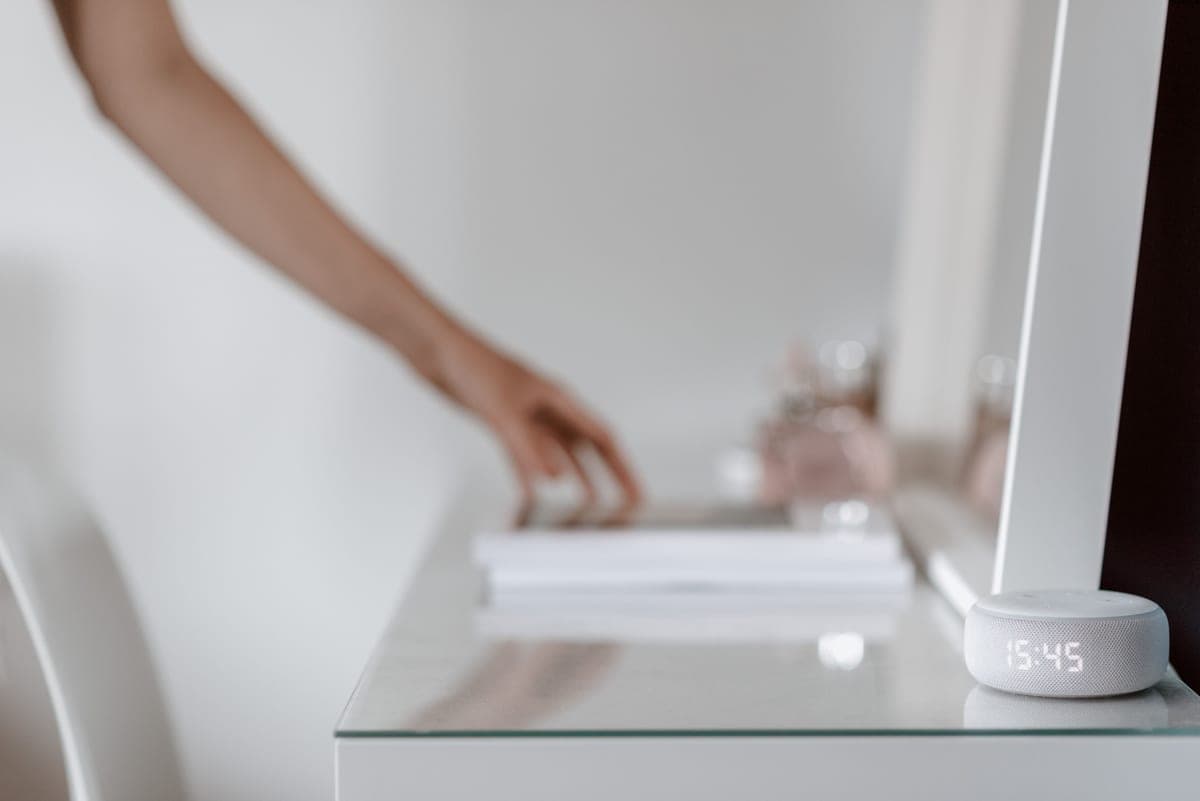
Best voice assistant
Best Alexa devices for seniors
Which Echo to buy for which room, and the settings to change before handing it over.
Read the guide →