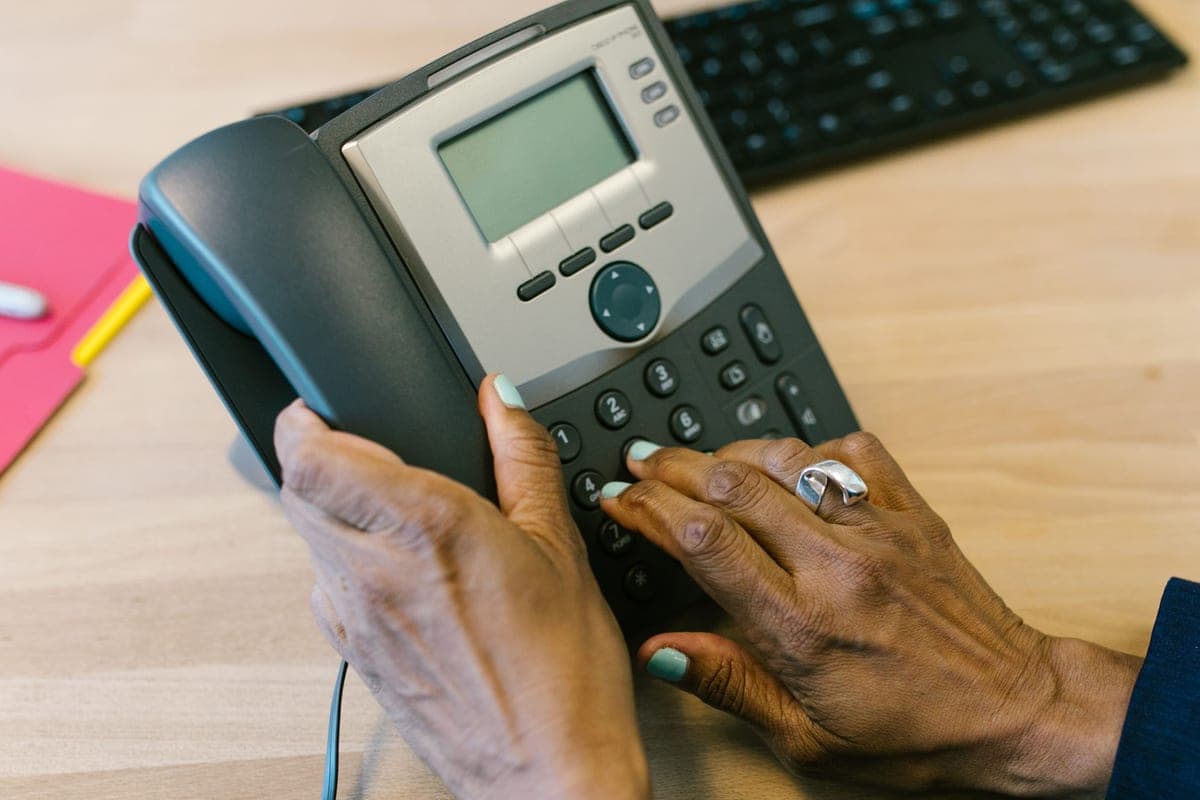
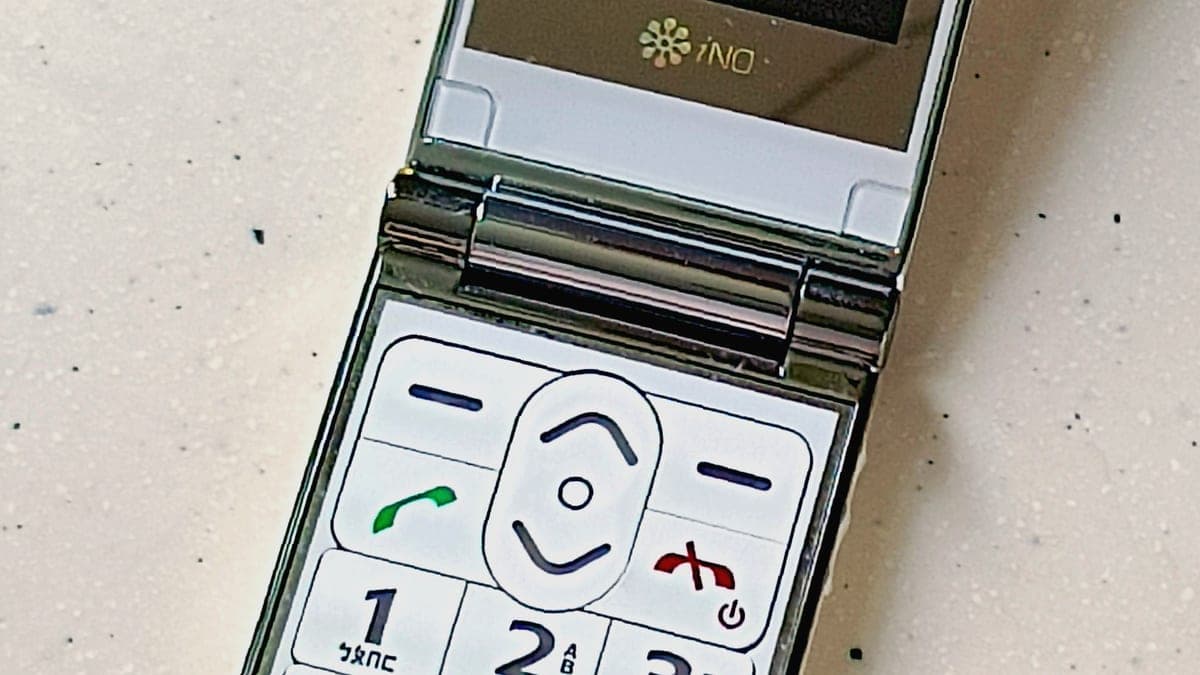
Phones with buttons you can feel, tablets a grandchild can set up once, and the settings that make an ordinary phone behave.
Almost every phone sold today is designed for someone who grew up with one. The buttons are drawn on glass, the menus move when the software updates, and the part that matters most — can you hear the person on the other end — barely gets mentioned in the specifications. That is the gap this section exists to close.
There are really only three routes, and picking the right one saves months of frustration. A purpose-built simple phone has physical keys, an emergency button and a menu that never rearranges itself. An ordinary smartphone can be made genuinely simple in about twenty minutes of settings work, and it keeps the apps a family actually uses. A tablet is the better answer when the point is seeing faces rather than making calls, because an 8 or 10 inch screen does for video calling what no phone can.
What does not work is buying the cheapest device with the biggest numbers on the box. A 6.7-inch screen is no help if the icons on it are the same size as everyone else's, and a phone marketed as senior-friendly can still ship with a 60-decibel earpiece that a hearing aid wearer cannot use.
Some links on this page go to Amazon. If you buy something, we may earn a small commission at no extra cost to you — it never changes which products we pick or the order they appear in. Full disclosure.
Our picks in phones & tablets
Every roundup below names a top pick with a link to check today’s price on Amazon, so you can buy without reading the whole thing. The write-ups are there if you want the reasoning.
#ad Prices change daily, so we send you to check today's. How we earn
The four things that decide whether a phone gets used
Hearing. Look for a stated earpiece volume (M3/T3 or M4/T4 hearing-aid compatibility is the specification that matters) and a real speakerphone, not a buzzer.
Hands. Physical keys with a definite click beat flat touch keys for anyone with arthritis or neuropathy, and a phone that needs two hands to unlock will be left on the counter.
Eyes. The question is not screen size, it is whether the device ships with a large-text mode that applies everywhere, including the dialer and the message list.
Memory. Fewer screens means fewer places to get lost. A home screen that cannot be rearranged by accident is a feature, not a limitation.
Simple phone, simplified smartphone, or tablet?
Which route fits which situation
Route
Best when
The trade-off
Purpose-built simple phone
Calls and texts are the whole job, and anything extra is clutter
Limited apps; often tied to one carrier's plan
Simplified smartphone
The family already uses one app for photos or messages
Takes an afternoon of setup, and updates can move things
Tablet
Video calls, photos and reading matter more than calls
Not pocketable; needs Wi-Fi or a data plan of its own
The buying checklist: what to verify before spending, and the traps in the listings.
Read the guide →
Where to start
If you are buying for someone else and you are not sure which route fits, start with our main roundup of phones for seniors — it covers all three routes with a pick for each, and it names the specification to check before you spend anything.
If the person you are buying for already has a smartphone they find confusing, do not buy a new one yet. Our guide to simplifying a smartphone walks through the settings that make the biggest difference, and it costs nothing to try. People are often a fifteen-minute settings session away from being happy with the phone already in the drawer.
If the real goal is seeing the grandchildren rather than talking to them, skip straight to tablets for video calling, and read the digital photo frame section in Staying Connected before you decide — a frame needs no login at all, which for some households is the whole answer.
Two other parts of the site overlap with this one: Staying Connected (photo frames, TV sound and the rest of the keeping-in-touch kit), and Home Safety & Alerts (if the real worry is what happens when nobody picks up the phone).
Questions people ask
▸What type of cell phone is best for seniors?
The one that matches the constraint. If the hands are the problem, a flip phone with real keys wins. If hearing is the problem, look for M4/T4 hearing-aid compatibility and a loud earpiece. If memory is the problem, pick a phone with a fixed, simple home screen.
▸Is a tablet easier than a phone for an older adult?
Often yes, for video calls and reading. The screen is bigger, the touch targets are bigger, and it can live on a stand in one room. It is not a replacement for a phone you carry, and it needs its own Wi-Fi or data.
▸Do simple phones for seniors need a special plan?
Some do. Devices sold by senior-focused brands are usually tied to that brand's service, while unlocked simple phones work on ordinary prepaid plans. Check before you buy — the plan often costs more over two years than the phone did.
The easiest tech and everyday gear for life after 65.