Best phones for someone living with dementia
A phone works through memory loss when it shows faces instead of numbers and cannot be changed by accident.
By Selena H. · Last checked October 13, 2026 · How we keep pages current
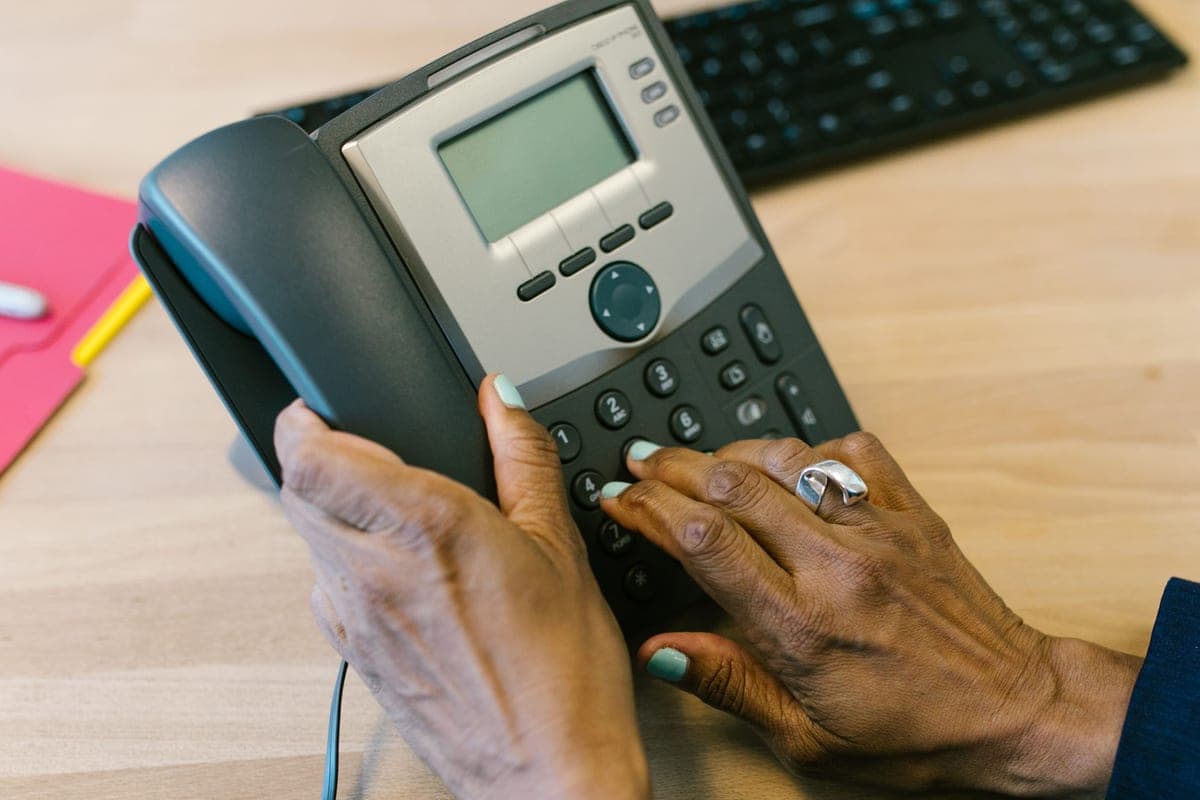
Dementia changes what a phone has to be. Early on, the problem is remembering which name goes with which number. Later, the problem is that the phone itself has become an unfamiliar object with too many choices on it. A phone chosen for the first stage often stops working in the second, which is why families frequently buy twice.
What survives both stages is a phone that shows faces and does nothing else. Pressing a photograph of your daughter is recognition rather than recall, and recognition holds on long after names and numbers have gone. Equally important is what the phone cannot do: it should not be possible to turn off the ringer, change the language, or land in a settings menu by accident.
Two honest cautions. No phone prevents the repeated calling that often comes with anxiety, and most phones can still be answered by a scam caller — look for call blocking or caregiver-managed contact lists if that is a worry. And nothing here is medical advice: an occupational therapist who knows the person will give better staging advice than any list.
This is general information about products, not medical advice. Talk to your doctor or occupational therapist about your own situation.
Some links on this page go to Amazon. If you buy something, we may earn a small commission at no extra cost to you — it never changes which products we pick or the order they appear in. Full disclosure.
Quick picks
Ranked for how little strength, eyesight or patience they need — not for how much they cost.
| # | Product | Best for | Score | Price |
|---|---|---|---|---|
| 1 | Easyfone T6 Big Button PhoneFour picture keys, an SOS key and a dock — about as few decisions as a phone can offer. | Four faces and nothing else | 8.4 | Check price on Amazon #ad Prices change daily, so we send you to check today's. How we earn |
| 2 | 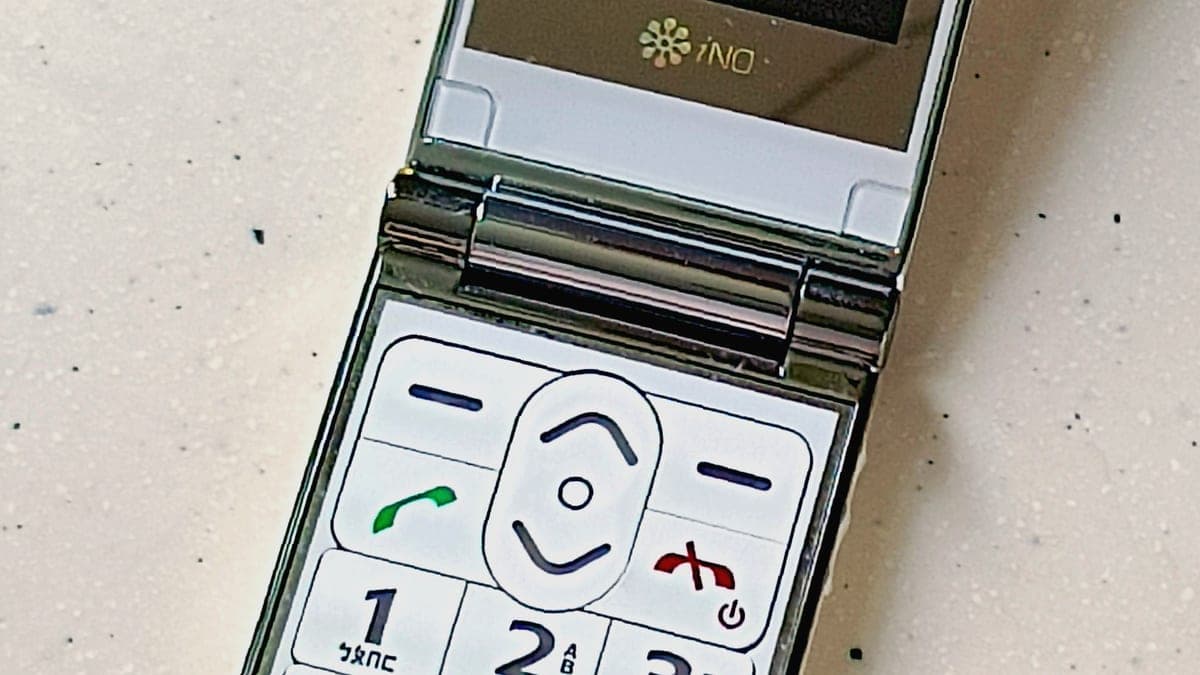 Easyfone Prime-A1 Pro Flip PhonePhoto dialing plus spoken digits — the right phone while numbers are still partly in play. | Early stage, still dialing | 8.0 | Check price on Amazon #ad Prices change daily, so we send you to check today's. How we earn |
| 3 | 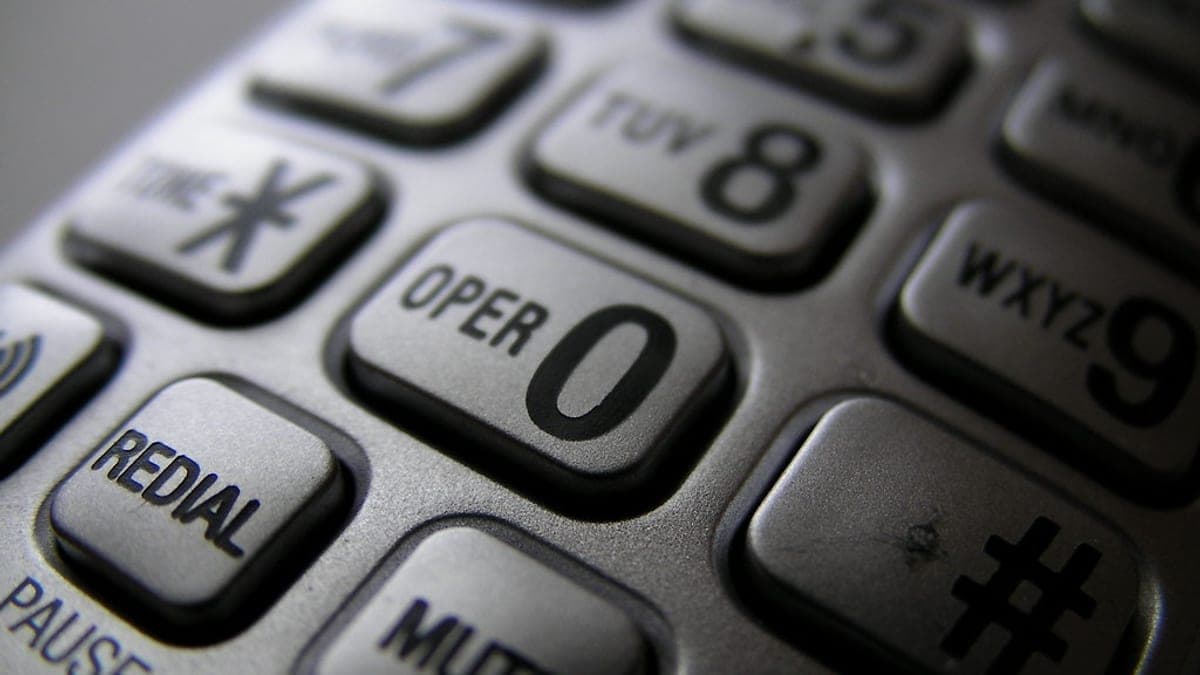 VTech SN5147 Amplified Corded/Cordless PhonePhoto dial keys, a very loud ringer, and a handset that cannot be left on a bus. | A phone that stays where it is put | 8.4 | Check price on Amazon #ad Prices change daily, so we send you to check today's. How we earn |
Tap any row to jump to the full write-up. The price button goes to Amazon.
Pick by what’s hard
Most lists sort by price. That is not how this decision actually gets made, so here it is sorted by the thing that is getting in the way.
- Names and numbers are going, faces are not
- Easyfone T6 Big Button Phone — picture keys turn calling into recognition. Use real, recent photographs, head and shoulders, with the name printed underneath.
- Still wants to dial for themselves
- Easyfone Prime-A1 Pro Flip Phone — keep the keypad but add spoken digits, so independence is preserved without the wrong-number distress.
- The phone keeps getting lost
- VTech SN5147 Amplified Corded/Cordless Phone — a home phone with photo keys solves the mislaid-handset problem entirely, and blocks scam callers at the base.
- Scam and nuisance calls are the worry
- VTech SN5147 Amplified Corded/Cordless Phone — call blocking at the phone is more reliable than asking someone to recognize a scam. Register the number on the National Do Not Call Registry as well.
How we picked
We don’t run a product lab. Every pick here is chosen by reading the things that actually tell you whether something works for weak hands, poor eyesight or shaky fingers: the manufacturer’s own specifications, the retailer listing, the measurements and weights, and what owners report in their reviews — especially the one-star ones. We read the complaints before the praise.
Prices change constantly, so we send you to Amazon to see today’s price rather than printing a number that goes stale. More about how we choose.
The picks in full
1. Best for four faces and nothing else
Easyfone T6 Big Button Phone
Easyfone · 8.4/10 on our rubric
#ad Prices change daily, so we send you to check today's. How we earn
Four picture keys, an SOS key and a dock — about as few decisions as a phone can offer.
The T6 is the closest inexpensive phone to the thing families actually want: a device where every possible action is visible at once and none of them is wrong. Four photographs, one press each.
Because there is no app layer and no configurable home screen, there is very little that can be disturbed by accident. The charging dock matters more than it sounds here too — a phone that lives in one place is a phone that is found.
Good
- Four picture memory keys
- Nothing to get lost in
- Charging dock keeps it in one known place
Watch out for
- Only four picture keys
- No caregiver app or remote management
| Dialing | Four picture memory keys |
|---|---|
| Emergency | Rear SOS key |
| Management | Set up by hand, on the device |
| Charging | Dock |
How it scores
- Simplicity9.4
- Resists accidents8.8
- Caregiver control6.0
- Value9.0
2. Best for early stage, still dialing
Easyfone Prime-A1 Pro Flip Phone
Easyfone · 8.0/10 on our rubric
#ad Prices change daily, so we send you to check today's. How we earn
Photo dialing plus spoken digits — the right phone while numbers are still partly in play.
In the earlier stages, people often still want to dial, and taking that away is its own kind of loss. This phone keeps the keypad but backs it up: faces for the regulars, and the phone speaking each digit aloud so a wrong number is caught early.
The clamshell also gives an unambiguous way to end a call, which matters when a conversation has become confusing.
Good
- Faces and numbers both available
- Spoken digits catch mis-dials
- Closing the lid always ends the call
Watch out for
- More capable means more to go wrong later
- Needs a family member to set up contacts
| Dialing | Photo speed dial plus keypad |
|---|---|
| Feedback | Speaks each digit |
| Form | Clamshell |
| Charging | Dock |
How it scores
- Simplicity8.4
- Resists accidents8.0
- Caregiver control6.4
- Value8.4
3. Best for a phone that stays where it is put
VTech SN5147 Amplified Corded/Cordless Phone
VTech · 8.4/10 on our rubric
#ad Prices change daily, so we send you to check today's. How we earn
Photo dial keys, a very loud ringer, and a handset that cannot be left on a bus.
A mislaid mobile is one of the most common causes of a missed check-in call. A home phone cannot be lost in the same way, and the base unit's photo keys do the same job as a picture-dialing mobile.
The call blocker is the underrated feature here. Scam calls are a genuine risk for someone who cannot easily judge a caller, and blocking numbers at the phone is a practical defense.
Good
- Photo dial keys on the base
- Smart call blocking against scam calls
- Cannot be lost outside the house
Watch out for
- No use outside the home
- Needs a landline
| Dialing | Photo speed-dial keys |
|---|---|
| Amplification | Up to 50 dB (manufacturer listing) |
| Protection | Smart call blocker |
| Power cut | Corded handset still works |
How it scores
- Simplicity8.6
- Resists accidents8.8
- Caregiver control7.4
- Value8.6
The phone built specifically for dementia, and why it is not a pick
The RAZ Memory Cell Phone is the most dementia-specific phone sold in the United States. It shows a single screen of up to six photographs with names, has no menu and no settings the user can reach, includes a 911 button, and lets a family member manage contacts, check the battery and see the phone's location remotely. There is nothing else quite like it.
It is sold through RAZ Mobility and through Lively rather than the retailer this site links to, so it cannot appear as one of our picks and we earn nothing from it. If the phone needs to be managed from a distance by family, look at it directly — that remote-management layer is the thing none of our picks can match.
We mention products we cannot earn from when they are genuinely the best answer. That is the whole point of writing this way.
Setting the phone up so it keeps working
- Use recent, well-lit head-and-shoulders photographs, with the person's relationship written underneath — "Jane (daughter)" rather than just "Jane".
- Turn the ringer to maximum and pick a ring tone that sounds like a telephone, not a tune.
- Switch off every notification that is not a call. Beeps that mean nothing cause anxiety.
- Put the charging dock somewhere that is part of an existing routine — beside the kettle, beside the chair — and leave it there permanently.
- Write the household's own phone number on a label stuck to the phone. It is asked for more often than you would expect.
- Review the setup every few months. What worked last year may be one step too many now.
Questions people ask
▸What kind of phone is best for someone with dementia?
One that dials from photographs and has no settings the user can reach. Recognizing a face survives memory loss far longer than recalling a name or number, and a phone that cannot be reconfigured cannot stop working by accident.
▸Should someone with dementia have a cell phone at all?
It depends on the stage and on whether they still go out alone. A mobile helps while someone is independent; later, a home phone with photo keys is often less distressing because it stays in one place and cannot be lost.
▸How do you stop scam calls to a person with dementia?
Use a phone with built-in call blocking, register the number with the National Do Not Call Registry, and where possible limit incoming calls to known contacts. Scam calls are a real financial risk and worth engineering out.
▸Can family manage the phone remotely?
Only on phones designed for it. The RAZ Memory Cell Phone offers remote contact management and location through a caregiver app; most inexpensive picture phones must be set up by hand on the device itself.
Sources
Read next
Best for memory loss
Best tablets for someone living with dementia
Locked-down tablets and displays that keep working as memory changes.
Read the guide →
Best overall phone
Best phones for seniors that are genuinely easy to use
Our main phone roundup: flip phones, big-button handsets and the one with photo dialing, sorted by constraint.
Read the guide →
Guide
How to simplify a smartphone for someone over 75
The settings that make an ordinary phone behave, in the order worth doing them.
Read the guide →

Best pill dispenser
Best automatic pill dispensers for seniors
Locked dispensers compared on capacity, alarms, family alerts and monthly costs.
Read the guide →

Best for memory loss
Best gifts for someone living with dementia
Comforting, low-choice gifts that work as memory changes, with what to avoid.
Read the guide →