Apple Watch vs a medical alert system
The best device is the one that is on the person when they fall. After that, it is about who answers.
By Selena H. · Last checked October 13, 2026 · How we keep pages current
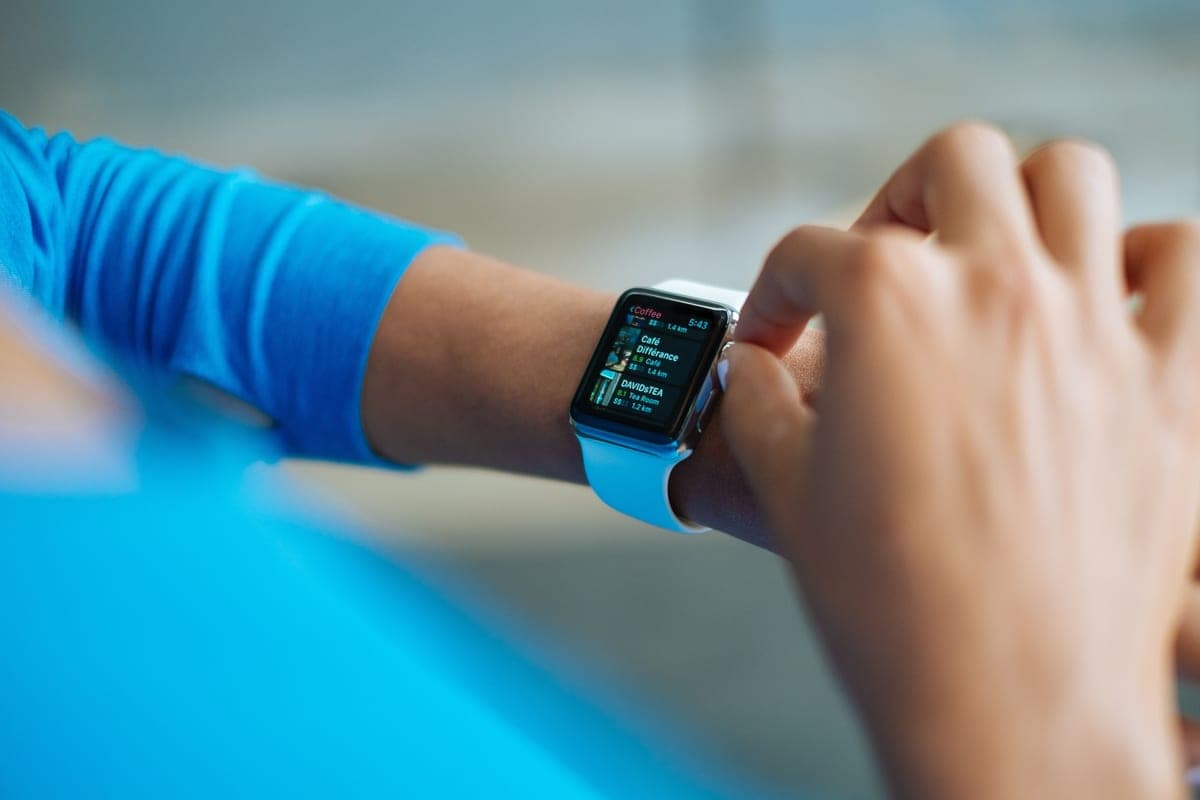
Choose an Apple Watch if the person will wear it, charge it daily and has family who answer their phones. Choose a monitored medical alert if they live alone with no reliable responder, will not manage daily charging, or need something that works in the shower without thinking about it.
Both detect falls. The real differences are battery life, water use, and what happens in the twenty seconds after the fall.
This is general information about products, not medical advice. Talk to your doctor or occupational therapist about your own situation.
Some links on this page go to Amazon. If you buy something, we may earn a small commission at no extra cost to you — it never changes which products we pick or the order they appear in. Full disclosure.
The decision table
Quick picks
| # | Product | Best for | Score | Price |
|---|---|---|---|---|
| 1 | Apple Watch SEFall detection on a device worn willingly, with no monitoring fee. | Someone who will wear and charge it | 8.6 | Check price on Amazon #ad Prices change daily, so we send you to check today's. How we earn |
| 2 |  Daytech Wireless SOS Call Button SystemWall buttons where the watch is not: bathroom, bedside, bottom of the stairs. | Covering the bathroom gap | 8.2 | Check price on Amazon #ad Prices change daily, so we send you to check today's. How we earn |
Tap any row to jump to the full write-up. The price button goes to Amazon.
How we picked
We don’t run a product lab. Every pick here is chosen by reading the things that actually tell you whether something works for weak hands, poor eyesight or shaky fingers: the manufacturer’s own specifications, the retailer listing, the measurements and weights, and what owners report in their reviews — especially the one-star ones. We read the complaints before the praise.
Prices change constantly, so we send you to Amazon to see today’s price rather than printing a number that goes stale. More about how we choose.
The picks in full
1. Best for someone who will wear and charge it
Apple Watch SE
Apple · 8.6/10 on our rubric
#ad Prices change daily, so we send you to check today's. How we earn
Fall detection on a device worn willingly, with no monitoring fee.
The cheapest Apple Watch that includes fall detection, and the one most often bought for this purpose.
Good
- Worn because it is a watch
- Fall detection plus emergency calling
- No monitoring fee
Watch out for
- Daily charging
- Usually removed for showering
| Fall detection | Yes |
|---|---|
| Battery | About a day |
| Monthly fee | None; optional cellular plan |
| Shower | Water resistant, but usually taken off |
2. Best for covering the bathroom gap
Daytech Wireless SOS Call Button System
Daytech · 8.2/10 on our rubric
#ad Prices change daily, so we send you to check today's. How we earn
Wall buttons where the watch is not: bathroom, bedside, bottom of the stairs.
The inexpensive second layer that covers the moments a worn device is off or missed.
Good
- Covers the highest-risk rooms
- No fee
- Cheap enough to fit several
Watch out for
- In-home only
- Requires the person to reach a button
| Type | Wall call buttons with receiver |
|---|---|
| Monthly fee | None |
| Range | Within the home |
| Best with | A worn device |
The battery problem, honestly
An Apple Watch needs charging every day. For someone with an established evening routine that is a small addition; for someone whose memory is unreliable it is a protection gap that recurs nightly.
The practical fix is to tie charging to something that already happens — the charger beside the toothbrush, or beside the pill box. If that habit does not form within two weeks, the watch is the wrong device for this person and a long-battery pendant is better protection.
The shower problem
A large share of household falls happen in the bathroom, so a device that is routinely taken off to wash is missing the highest-risk moment of the day. Medical alert pendants are designed to be worn in the shower; watches usually come off.
If the bathroom is the specific worry, either keep a waterproof pendant for bathing or fit a wall button within reach of the shower — the cheapest fix on this page.
Who answers, and why it matters
The watch calls emergency services and messages your contacts. The monitored service puts a trained human on the line who knows the address, the medication list and who to ring first.
For a person on the floor, that voice matters more than any specification. It is the single thing the monthly fee buys that free devices cannot replicate.
The answer most families end up at
Both, in different places. A watch during the day for falls out and about, plus wall buttons in the bathroom and beside the bed for the moments the watch is off. That combination costs less than a year of monitoring and covers more of the real risk than either alone.
Questions people ask
▸Is an Apple Watch good enough instead of a medical alert?
For someone who wears it, charges it daily and has family who answer, usually yes. It is weaker on battery life, on shower coverage, and on having a trained operator respond.
▸Does the Apple Watch call 911 automatically?
After a hard fall it taps and asks if you are all right. If there is no response after about a minute it calls emergency services and messages your emergency contacts with your location.
▸Can an older person manage an Apple Watch?
Many can, especially if a family member sets it up: large text, a simple watch face, and only the complications they will use. Daily charging is the habit that decides whether it works.
▸What about a watch and a pendant together?
That combination covers the most ground: a watch for the day and out of the house, wall buttons or a waterproof pendant for the bathroom and bedside. Most families end up here.
Sources
Read next
Best fall detection
Best fall detection devices for elderly adults
Devices with automatic fall detection, and a plain account of the limits.
Read the guide →
Best medical alert
Best medical alert systems for seniors
Alerts ranked by where they work and who answers, including no-monthly-fee options.
Read the guide →
Best with no monthly fee
Best medical alerts with no monthly fee
Subscription-free alerts, with the honest trade-off column nobody else prints.
Read the guide →
Best easy-read watch
Best easy-read watches for seniors
Easy-read, talking and day-date watches compared for contrast, clutter and strap ease.
Read the guide →