Best streaming devices for seniors
Judge these by the remote and by what happens when someone presses the wrong thing.
By Selena H. · Last checked October 13, 2026 · How we keep pages current
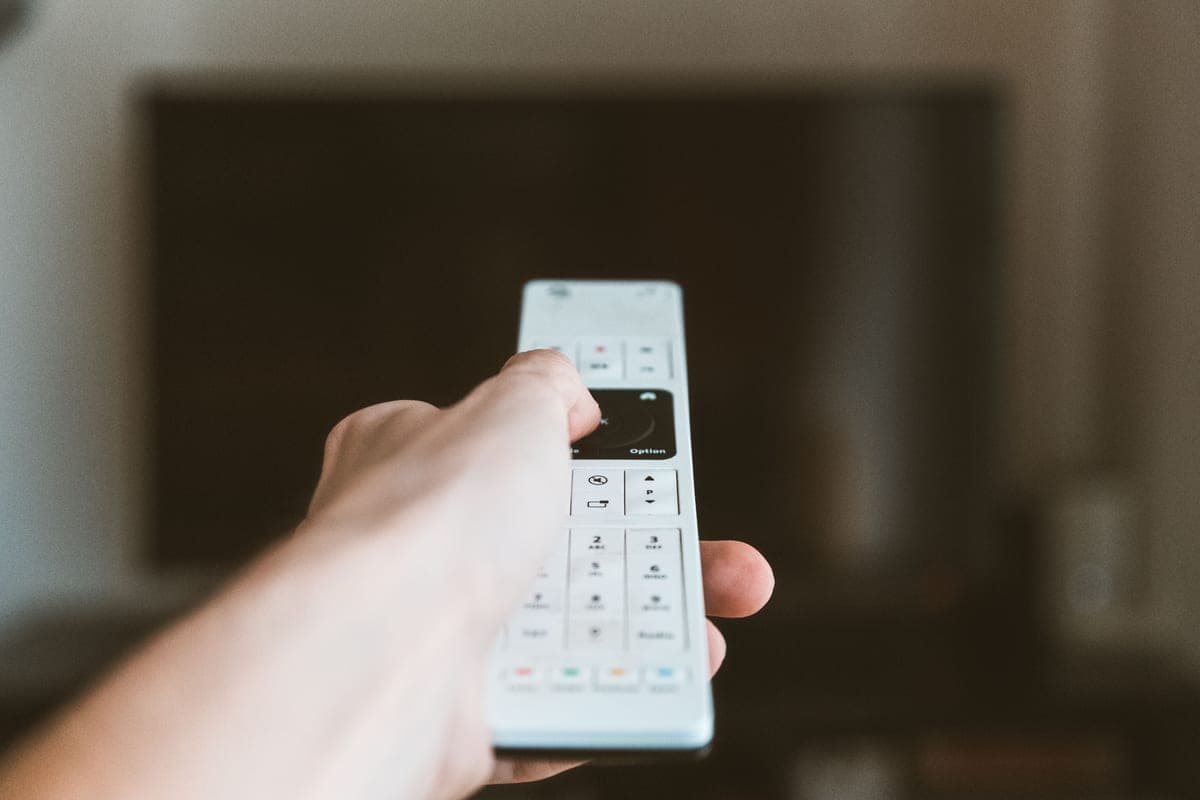
The specifications that dominate streaming box reviews — 4K, HDR, Dolby Vision — are irrelevant here. What matters is the remote in the hand and whether the interface is the same every time it is switched on.
On that measure the ranking changes completely. Roku wins because its remote has few buttons and its home key always returns to an unchanging grid. Fire TV is cheap and capable but puts Amazon's promotions where the apps should be. Apple TV is the slickest and the most expensive, and makes sense mainly in a household already full of Apple devices.
Whichever you choose, set it up fully before handing it over: sign into the services, put the apps that will be used at the front, and remove the rest. A streaming box with four tiles is a joy; one with twenty-six is the reason people go back to broadcast television.
Some links on this page go to Amazon. If you buy something, we may earn a small commission at no extra cost to you — it never changes which products we pick or the order they appear in. Full disclosure.
Quick picks
Ranked for how little strength, eyesight or patience they need — not for how much they cost.
| # | Product | Best for | Score | Price |
|---|---|---|---|---|
| 1 | Roku Express 4K+A dozen large buttons, a home key that always goes home, and a grid that never rearranges itself. | The simplest remote in television | 9.2 | Check price on Amazon #ad Prices change daily, so we send you to check today's. How we earn |
| 2 | Roku Streaming Stick 4KSame interface and remote, in a stick that hides behind a wall-mounted television. | A TV with awkward outlets | 9.0 | Check price on Amazon #ad Prices change daily, so we send you to check today's. How we earn |
| 3 | Amazon Fire TV Stick 4KCheap and capable, with voice search that genuinely helps — but the home screen sells to you. | An Alexa household | 8.2 | Check price on Amazon #ad Prices change daily, so we send you to check today's. How we earn |
| 4 | Apple TV 4KNo advertising on the home screen, and it inherits accessibility settings from the family's other Apple devices. | An Apple household | 8.0 | Check price on Amazon #ad Prices change daily, so we send you to check today's. How we earn |
Tap any row to jump to the full write-up. The price button goes to Amazon.
Pick by what’s hard
Most lists sort by price. That is not how this decision actually gets made, so here it is sorted by the thing that is getting in the way.
- Gets lost and cannot get back
- Roku Express 4K+ — the home key returning to an unchanging grid is the single most valuable behavior here. Roku does it best.
- Typing on screen is slow and frustrating
- Amazon Fire TV Stick 4K — voice search replaces the on-screen keyboard entirely. Say the program name, press nothing else.
- Everyone in the family has an iPhone
- Apple TV 4K — shared settings and the ability to control it from a phone make remote help much easier.
- The television is wall-mounted
- Roku Streaming Stick 4K — a stick hides behind the set and reaches a distant router better.
How we picked
We don’t run a product lab. Every pick here is chosen by reading the things that actually tell you whether something works for weak hands, poor eyesight or shaky fingers: the manufacturer’s own specifications, the retailer listing, the measurements and weights, and what owners report in their reviews — especially the one-star ones. We read the complaints before the praise.
Prices change constantly, so we send you to Amazon to see today’s price rather than printing a number that goes stale. More about how we choose.
The picks in full
1. Best for the simplest remote in television
Roku Express 4K+
Roku · 9.2/10 on our rubric
#ad Prices change daily, so we send you to check today's. How we earn
A dozen large buttons, a home key that always goes home, and a grid that never rearranges itself.
Roku's interface is a plain grid of app tiles that stays exactly where you put it. Nothing slides, nothing promotes itself into the front row, and the home button always returns to the same screen. For someone who gets lost, that predictability is worth more than any feature.
The remote is the other half: large, few, well-spaced buttons, with volume keys that control the television itself so a second remote is not needed day to day.
Good
- Grid interface that does not rearrange itself
- Home key always returns to the same screen
- Remote controls TV volume, so one remote does the job
Watch out for
- Remote is not backlit
- Some free channels carry heavy advertising
| Remote | About a dozen large buttons, TV volume control |
|---|---|
| Interface | Fixed grid of app tiles |
| Setup | Plug in, connect Wi-Fi, sign into apps |
| Best for | Predictability |
How it scores
- Remote simplicity9.4
- Interface predictability9.4
- Setup burden8.6
- Value9.2
2. Best for a tv with awkward outlets
Roku Streaming Stick 4K
Roku · 9.0/10 on our rubric
#ad Prices change daily, so we send you to check today's. How we earn
Same interface and remote, in a stick that hides behind a wall-mounted television.
Functionally this is the Express with a better wireless antenna in a smaller body. Buy it when the television is wall-mounted or its outlets are hard to reach, or when the router is far away.
Everything good about Roku's interface applies equally.
Good
- Hides behind the TV
- Better Wi-Fi reach than the cheapest model
- Same simple remote and interface
Watch out for
- Needs an accessible HDMI port and USB power
- Can run warm in a tight wall mount
| Form | Stick, hides behind the TV |
|---|---|
| Remote | Same simplified Roku remote |
| Wireless | Improved antenna |
| Power | USB |
How it scores
- Remote simplicity9.4
- Interface predictability9.4
- Setup burden8.4
- Value8.6
3. Best for an alexa household
Amazon Fire TV Stick 4K
Amazon · 8.2/10 on our rubric
#ad Prices change daily, so we send you to check today's. How we earn
Cheap and capable, with voice search that genuinely helps — but the home screen sells to you.
Voice search is the real argument: pressing one button and saying the name of a program is far easier than spelling it out with a directional pad, and for someone whose typing is slow it is transformative.
The cost is the home screen, which is built around Amazon's own promotions rather than the viewer's apps. You can pin favorites to the front row, and you should, as part of setup.
Good
- Voice search removes on-screen typing
- Inexpensive and widely available
- Works well with Echo devices already in the house
Watch out for
- Home screen promotes content rather than showing your apps
- More cluttered than Roku's grid
| Remote | Voice remote with TV controls |
|---|---|
| Interface | Promotional home screen, pinnable favorites |
| Voice | Alexa built in |
| Best for | Households already using Alexa |
How it scores
- Remote simplicity8.4
- Interface predictability7.0
- Setup burden8.0
- Value9.0
4. Best for an apple household
Apple TV 4K
Apple · 8.0/10 on our rubric
#ad Prices change daily, so we send you to check today's. How we earn
No advertising on the home screen, and it inherits accessibility settings from the family's other Apple devices.
The home screen is a clean grid of apps with nothing sold on it, which is rarer than it should be. Text size, bold text and VoiceOver all work the way they do on an iPhone, and a family member who knows an iPhone can talk someone through it.
It is several times the price of a Roku. The case for it is a household already using Apple devices, where the shared setup and familiarity pay for themselves.
Good
- No advertising on the home screen
- Full accessibility settings, familiar from iPhone
- Can be controlled from a family member's iPhone
Watch out for
- Much more expensive than the alternatives
- The touch surface on the remote takes practice
| Remote | Touch-surface remote with physical ring |
|---|---|
| Interface | Clean app grid, no ads |
| Accessibility | Full Apple accessibility stack |
| Best for | Apple households |
How it scores
- Remote simplicity7.6
- Interface predictability9.0
- Setup burden8.2
- Value6.8
Set it up like this before handing it over
- Sign into every service they will use. Nobody should be asked for a password later.
- Pin the three or four apps that will actually be used to the front, and remove everything else from the home row.
- Turn the television's input to the streaming box and leave it there; set the TV to start on that input if it offers the option.
- Teach the home button and nothing else on the first day. "Press home, pick the picture" is the whole lesson.
- Put the television's own remote in a drawer, and write what it is for on a label.
- Write the Wi-Fi password somewhere the family can find it.
Questions people ask
▸What is the best streaming device for seniors?
Roku, for most people. The remote has few, large buttons, and the home key always returns to the same unchanging grid of apps — which is the behavior that stops a viewer getting stranded.
▸Is Fire TV or Roku easier for older adults?
Roku is simpler to navigate because the home screen is a fixed grid. Fire TV is better if voice search matters, since saying a program's name avoids typing with a directional pad.
▸Do streaming boxes replace cable?
They can, but check the services the person actually watches are available first. Live news and local channels usually need a live TV service, which is a separate monthly cost.
▸Will one remote work for everything?
Mostly. Roku and Fire TV remotes control the television's power and volume once set up, so day to day only one remote is needed. Keep the TV's own remote for occasional settings changes.
Sources
Read next
Easiest TV remote
Easiest TV remotes for seniors
Simplified universal remotes, ranked by how few buttons they have and how hard they are to misprogram.
Read the guide →
Best TV sound
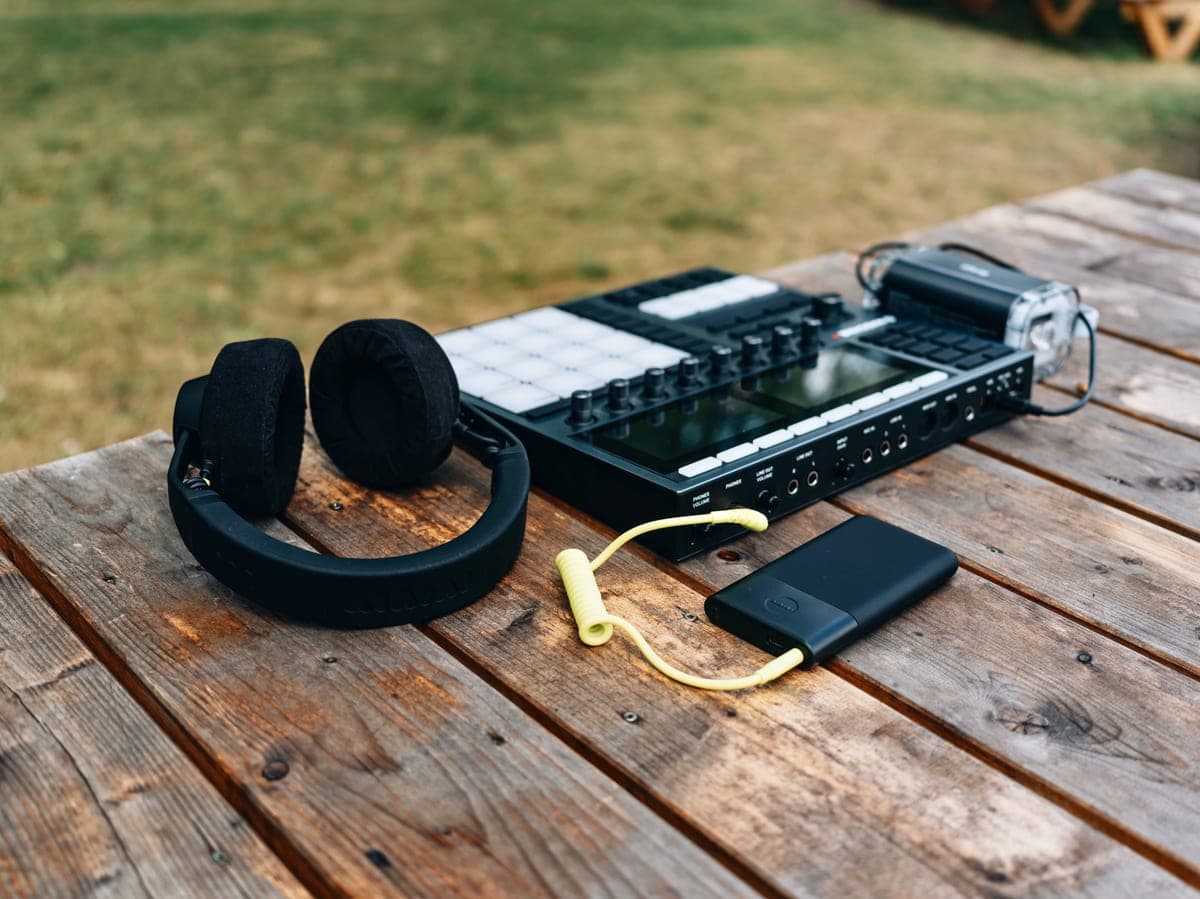
Best TV headphones for hard of hearing seniors
TV listening systems picked for speech clarity, lip-sync delay and controls you can work by feel.
Read the guide →
Guide
How to make the TV easier to hear
Free TV settings that help with dialogue, then the equipment worth buying if they are not enough.
Read the guide →

Best voice assistant
Best Alexa devices for seniors
Which Echo to buy for which room, and the settings to change before handing it over.
Read the guide →