How much does a medical alert system cost?
The monthly fee is the advertised number. Activation, fall detection and the cellular add-on are where the bill grows.
By Selena H. · Last checked October 17, 2026 · How we keep pages current

A monitored medical alert system is sold as a monthly subscription, and the monthly fee is only part of what you pay. The bill is built from four separate lines: monitoring, equipment, activation, and add-ons such as automatic fall detection or a cellular connection. Each of these is priced separately by most providers, and only the first one appears in the advertising.
There is also a second route that gets much less attention: devices with no monthly fee at all, which dial a list of family numbers or connect directly to emergency services rather than to a monitoring center. They cost a one-off amount and nothing after that, and they trade a trained responder for a relative who may be in a meeting.
This guide sets out what each line item is for, which ones are worth paying for, and which are frequently sold to people who do not need them. We do not print specific prices, because they change constantly and a stale number is worse than none - check the current figure with the provider before committing.
Some links on this page go to Amazon. If you buy something, we may earn a small commission at no extra cost to you — it never changes which products we pick or the order they appear in. Full disclosure.
The four things you pay for
Quick picks
| # | Product | Best for | Score | Price |
|---|---|---|---|---|
| 1 | LogicMark Guardian Alert 911 PlusA one-off purchase that places a direct emergency call with no subscription behind it. | No monthly fee at all | -- | Check price on Amazon #ad Prices change daily, so we send you to check today's. How we earn |
| 2 | CallToU Wireless Caregiver PagerA button and a receiver, for alerting a person in the next room rather than a call center. | Someone else is in the house | -- | Check price on Amazon #ad Prices change daily, so we send you to check today's. How we earn |
| 3 | 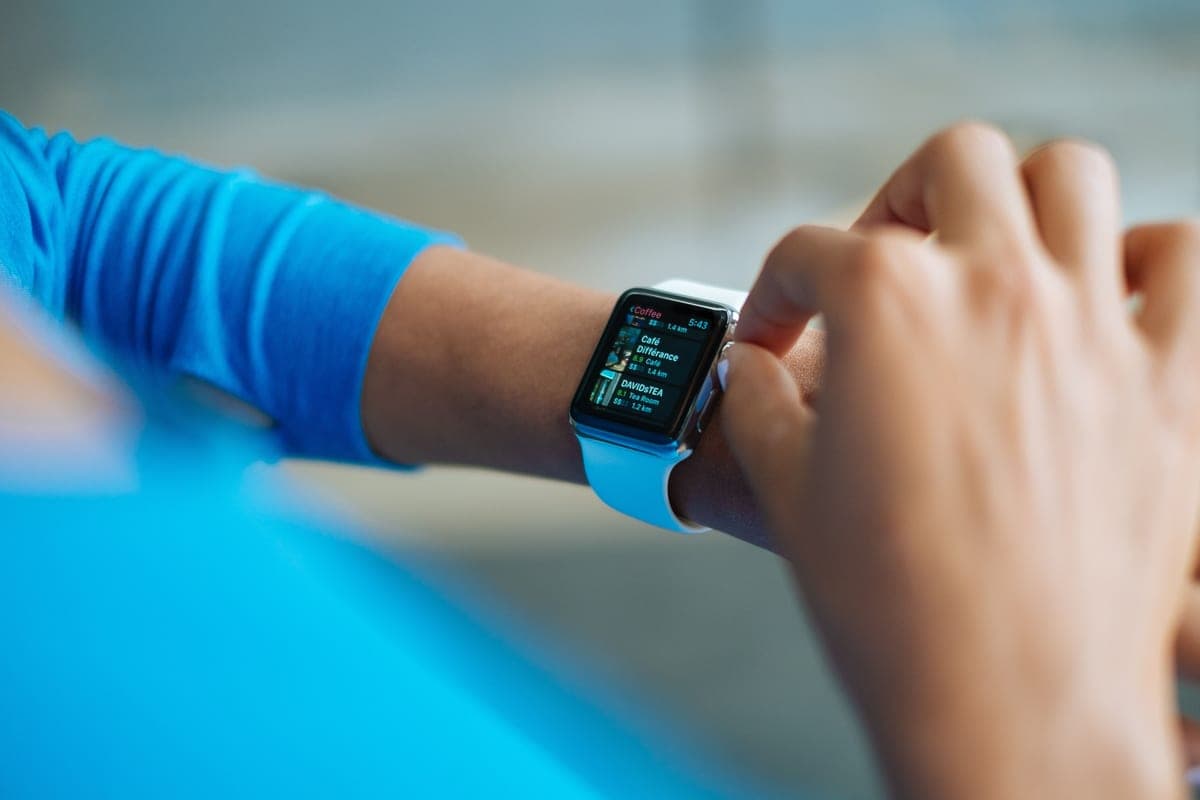 Apple Watch SEDetects a hard fall and calls contacts or emergency services, with no monthly monitoring fee. | Fall alerts without a monitoring contract | -- | Check price on Amazon #ad Prices change daily, so we send you to check today's. How we earn |
Tap any row to jump to the full write-up. The price button goes to Amazon.
How we picked
We don’t run a product lab. Every pick here is chosen by reading the things that actually tell you whether something works for weak hands, poor eyesight or shaky fingers: the manufacturer’s own specifications, the retailer listing, the measurements and weights, and what owners report in their reviews — especially the one-star ones. We read the complaints before the praise.
Prices change constantly, so we send you to Amazon to see today’s price rather than printing a number that goes stale. More about how we choose.
The picks in full
1. Best for no monthly fee at all
LogicMark Guardian Alert 911 Plus
LogicMark
#ad Prices change daily, so we send you to check today's. How we earn
A one-off purchase that places a direct emergency call with no subscription behind it.
This is the no-monthly-fee route in its simplest form: press the button and it connects a call, with two-way speech, without a monitoring contract.
There is no monitoring center knowing the medical history, and no fall detection. For a cost-constrained household that wants a button rather than a service, that is the trade being made.
Good
- No monthly fee
- Two-way speech
- One-off cost
Watch out for
- No monitoring center
- No automatic fall detection
| Monthly fee | None |
|---|---|
| Connection | Direct emergency call |
| Fall detection | No |
2. Best for someone else is in the house
CallToU Wireless Caregiver Pager
CallToU
#ad Prices change daily, so we send you to check today's. How we earn
A button and a receiver, for alerting a person in the next room rather than a call center.
Where a spouse or an adult child lives in the same house, a monitored service is often the wrong purchase. A pager answers the real question - how do I get their attention from the bathroom floor - for a one-off cost.
It does nothing when the house is empty. If the person is alone for long stretches, this is a supplement to a monitored service, not a replacement for one.
Good
- No subscription
- Loud receiver that carries through a house
- Extra buttons can be added
Watch out for
- Only works when someone is home
- No emergency services connection
| Monthly fee | None |
|---|---|
| Range | Within a house |
| Best for | Households with someone present |
3. Best for fall alerts without a monitoring contract
Apple Watch SE
Apple
#ad Prices change daily, so we send you to check today's. How we earn
Detects a hard fall and calls contacts or emergency services, with no monthly monitoring fee.
For an active older adult who already uses an iPhone, the watch covers fall alerts without a subscription - though cellular models carry their own carrier charge if it needs to work away from the phone.
It needs charging daily and it needs an iPhone, which are two genuine barriers. Our comparison of the Apple Watch and a medical alert sets out where each one wins.
Good
- Fall detection with no monitoring fee
- Useful for other things too
- Discreet
Watch out for
- Daily charging
- Requires an iPhone; cellular adds a carrier fee
| Monthly fee | None for monitoring; carrier fee if cellular |
|---|---|
| Fall detection | Yes |
| Battery | About a day |
Monthly monitoring: what you are actually buying
The monitoring fee pays for a staffed center that answers at any hour, speaks to the person through the base unit or pendant, and decides whether to call a neighbor, a family member or an ambulance. That decision-making is the product. The hardware is almost incidental.
Prices scale with how the device connects. A landline plan is the cheapest, because it uses a phone line you already pay for. A cellular plan costs more because the provider is paying for a mobile connection. A mobile GPS plan, which works away from home, costs more again.
Be clear about which of those three you need. A great many households pay for a mobile GPS plan for someone who has not left the house unaccompanied in two years.
The add-ons, ranked by whether they earn their keep
- Automatic fall detection - worth it if the person has fallen before, has fainting episodes, or lives alone. It is the one add-on that regularly justifies itself, and our guide to automatic fall detection explains how it works and when it misses.
- A second pendant or wall button - usually worth it. A button in the bathroom costs little and covers the room where falls are most likely.
- A lockbox for a door key - almost always worth it. Without one, a responder may have to force a door, and that bill will exceed years of lockbox fees.
- Caregiver app access - worth it if a family member will actually use it. Dead weight if nobody opens it.
- Medication reminders - rarely worth the add-on price. A separate automatic pill dispenser does the job better for a one-off cost.
- Activity monitoring - think carefully. It can feel intrusive, and the person wearing it has a vote.
Questions to ask before you sign
- Is there an activation fee, and will you waive it? This is frequently negotiable.
- Is the equipment bought, rented, or included? If rented, what happens to the fee if it breaks?
- Is there a contract, or is it month to month? Month to month is standard now, and a long contract is a reason to look elsewhere.
- What is the cancellation policy, including after a death or a move into care? Ask for it in writing.
- Is there a discount for paying annually, and does it come with a longer commitment?
- Is the monitoring center in the country, and is it staffed around the clock by people rather than an automated system?
- What is the battery life of the pendant, and who is told when it runs low?
- Does the pendant work in the shower and the garden, and what is the actual range from the base unit?
Ask every one of these on the phone before giving a card number. Providers answer them straightforwardly; the ones that do not are telling you something.
The no-monthly-fee route
A no-monthly-fee device replaces the monitoring center with a programmed list of phone numbers, or with a direct call to emergency services. You pay once for the hardware and nothing afterwards. Over five years that is a substantial saving.
The trade is real and worth stating plainly. A monitoring center answers within seconds, every time, and knows the person's address and medical notes. A family list depends on somebody picking up - and the people on that list are often at work, driving, or asleep.
It suits a household where several family members live nearby and at least one is reliably reachable. It suits a person living alone in a quiet area much less well. Our no-monthly-fee roundup covers the devices in detail.
Help with the cost
- Original Medicare does not generally cover medical alert systems, but some Medicare Advantage plans include them as a supplemental benefit - check your specific plan.
- Some state Medicaid waiver programs cover personal emergency response systems for people receiving home and community-based services.
- Your local Area Agency on Aging may know of subsidized or loaned equipment programs.
- Veterans may be eligible for equipment through VA programs - ask the VA directly rather than a sales line.
- Some providers discount for AARP members, veterans or annual payment. It is always worth asking.
Coverage rules change and vary by state and plan. Confirm with the plan or agency directly rather than relying on a provider's marketing page.
Landline, cellular or mobile - pick the cheapest one that fits
The single largest factor in the monthly price is which connection the system uses, and it is the one most often chosen wrongly. A landline system plugs into an existing phone line and is the cheapest to run, because the provider is not paying for a connection on your behalf. It only works inside the house, and it stops working if the phone line fails or a handset is left off the hook.
A cellular in-home system uses a mobile connection built into the base unit, so no phone line is needed. It costs more each month, it keeps working when the landline does not, and it is the right default for a household that gave up its landline years ago - which is now most of them.
A mobile GPS system works anywhere with cell coverage and reports a location. It is the most expensive tier, and it is the one most commonly sold to someone who does not leave the house alone. Before paying for it, ask honestly how often the person is out without a companion. If the answer is rarely, an in-home system plus a phone in the pocket covers it for less.
Range is worth checking whichever tier you choose. Providers quote a distance from the base unit, and that figure is measured in open air rather than through two brick walls. Ask specifically whether the pendant reaches the end of the yard, the garage and the bathroom, because those are the three places it will actually be needed.
Questions people ask
▸How much does a medical alert system cost per month?
Monitored systems are sold as a monthly subscription, with landline plans cheapest, cellular plans more, and mobile GPS plans most. Fall detection, extra pendants and a lockbox are usually priced separately on top. Ask the provider for the full monthly figure including every add-on you intend to use.
▸Is there a medical alert system with no monthly fee?
Yes. Devices such as the LogicMark Guardian Alert 911 Plus place a direct emergency call for a one-off purchase price. The trade is that there is no monitoring center that knows the person's address and medical notes.
▸Does Medicare pay for a medical alert system?
Original Medicare generally does not cover them. Some Medicare Advantage plans include one as a supplemental benefit, and some state Medicaid waiver programs cover personal emergency response systems. Check your own plan rather than a provider's marketing page.
▸Is fall detection worth the extra cost?
It is the add-on most likely to justify itself, particularly for someone living alone who has fallen before or who faints. It is not perfect - it can miss a slow slide to the floor and occasionally triggers falsely - so treat it as a backup to the button, not a replacement.
▸Are there activation fees for medical alert systems?
Many providers charge one, and many will waive it if you ask. Ask about the activation fee, the cancellation policy and whether the equipment is bought or rented before you give a card number.
Sources
Read next
Best medical alert
Best medical alert systems for seniors
Alerts ranked by where they work and who answers, including no-monthly-fee options.
Read the guide →
Best with no monthly fee
Best medical alerts with no monthly fee
Subscription-free alerts, with the honest trade-off column nobody else prints.
Read the guide →
Guide
What is automatic fall detection?
A plain explanation of how it works, what it catches, and what it misses.
Read the guide →
Head to head
Life Alert vs Medical Guardian
The contract, the equipment and the exit terms compared — plus the no-fee alternative.
Read the guide →
Head to head
Apple Watch vs a medical alert system
Watch versus monitored pendant, compared on wearing, battery, water and who responds.
Read the guide →